> For the complete documentation index, see [llms.txt](https://help.smallbuilder.com/llms.txt). Markdown versions of documentation pages are available by appending `.md` to page URLs; this page is available as [Markdown](https://help.smallbuilder.com/ko/smallbuilder-documents/data-merge/data-merge-table-related-filtered.md).
# Data Merge - Table (Related) Filtered
특정 조건을 만족하는 테이블형 집합 자료
{% content-ref url="/pages/6Ii5GaTKHVHHyM80YXAS" %}
[Data Merge - Related List](/ko/smallbuilder-documents/data-merge/data-merge-table-related.md)
{% endcontent-ref %}
1. 이전 단계는 위 페이지의 2 \~ 5번을 참고하세요.
***
2. 조건을 넣을 필드에 `Add Filter` 를 활성화하고, 텍스트 조건을 입력합니다.
\*입력된 텍스트와 동일한 값으로 자료를 필터링 합니다.
***
3. `Confirm` 버튼을 클릭합니다.
***
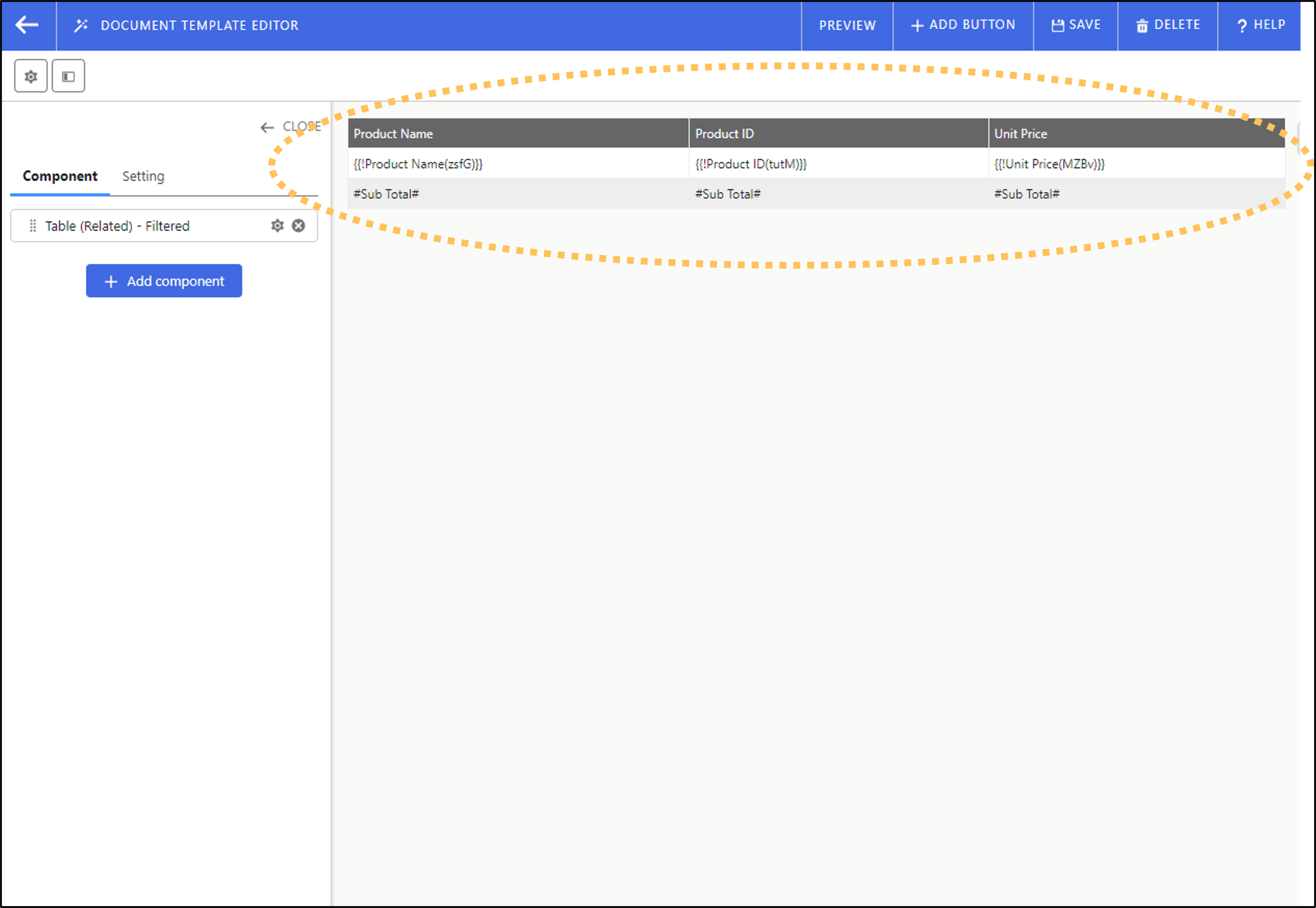
4. 병합된 필드 데이터는 `{{!label}}` 형식으로 나타납니다.